
Print the chart of accounts
The chart of accounts report shows the accounts of the company in the order of the chart. Each row shows the code, the name, the account type and the statement line. You must have the View ledger reports permission.
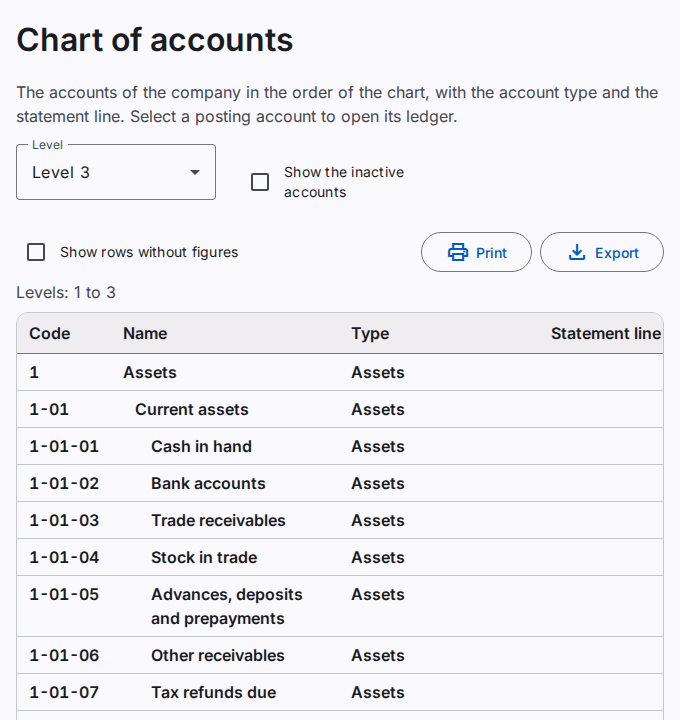
See the chart of accounts
- Select Reports › Account list. The Chart of accounts report opens.
- Select the Level. All levels shows all the accounts. Level 2 shows the groups of levels 1 and 2 only.
- To include the inactive accounts, select Show the inactive accounts.
A group shows in bold. Its Type column shows the class of the group, for example Assets. A posting account shows its account type. Select a posting account to open its ledger.
To change the accounts, use the Chart of accounts page. Refer to Manage the chart of accounts.
Print or export the chart of accounts
Select Print to make a PDF file. Select Export to save an Excel or CSV file. Refer to Print and export a report.