
See the business history
The Business history page shows the changes to the business records and the settings. The newest change shows first. You must have the View change history permission.
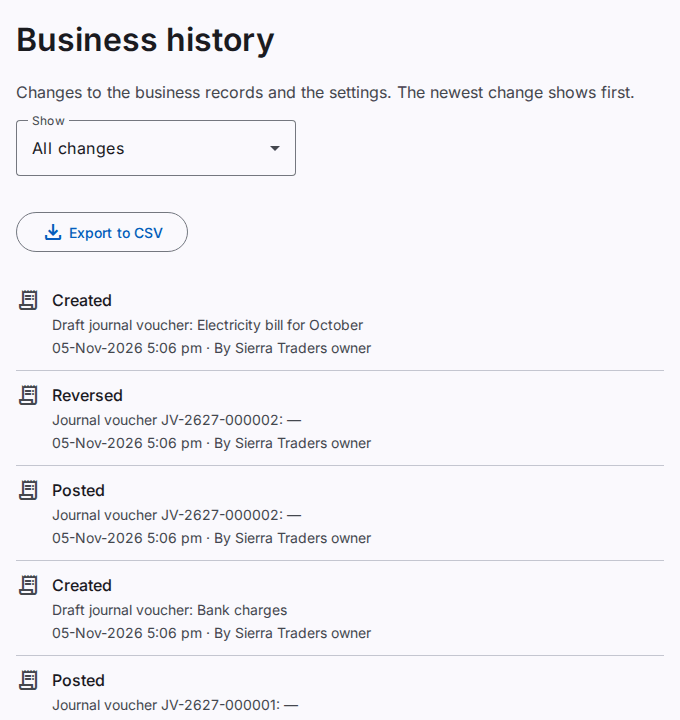
What you see
You see only the changes of the places where you have the permission. A user with the permission for one company sees the changes of that company. The changes to the workspace and to the workspace settings need the permission for the whole workspace.
Filter the changes
- Select the Show list.
- Select All changes, Settings, Workspace, Companies or Branches.
The page shows only the changes of that type.
What an entry shows
- The action: Created, Changed, Deactivated, Reactivated or Setting changed.
- The record, for example the company name and its code. For a setting: the name of the setting and its level (workspace or company).
- Each changed field with the value Before and the value After. A new record shows its Value.
- The date and the time of the change.
- The person who made the change, for example "By the system" or "By an import".
Inherited value in a setting change means that the setting had no own value.
See older changes
- At the end of the list, select Show older changes.
To save the history in a file, refer to Export a log to a CSV file.